Since our June update to Change Management, we’ve kept building. The release introduces smoother handover to housing cooperatives, and a company-wide hierarchy for enterprise accounts, alongside improvements across Change Management, Quality Management, and Warranty Handling.
Here’s what’s new. 🚀
🏘️ A Smoother Handover to Housing Cooperatives
When a project reaches the end of its warranty period, responsibility often shifts from the developer to the housing cooperative. Until now, managing that transition hasn’t always been straightforward.
We’ve now introduced a structured handover process that gives the housing cooperative what it needs while keeping the developer’s project history intact.
- Selective handover lets the developer control exactly what is transferred. Internal notes, contractor communication, and pricing are excluded by default.
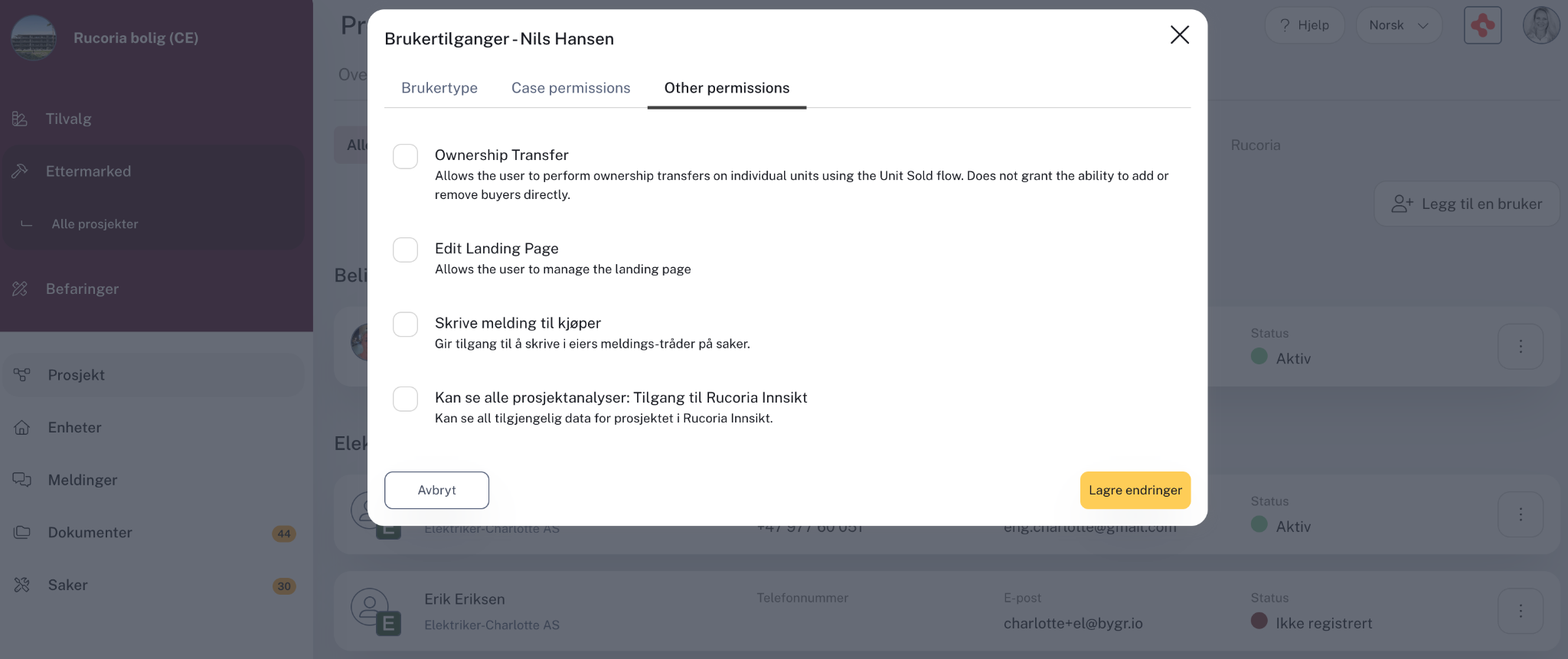
- A new cooperative admin role lets the cooperative manage its resident list, including adding new owners, removing previous ones, and managing portal access.
The result is a clearer transition when the warranty period ends, with defined ownership of information and continued access to FDV documentation for residents — even when apartments change hands.
🏢 Company Profile Hierarchy
Managing access can be complex when a company runs dozens of projects across multiple regions.
Previously, people who needed visibility across projects — such as account owners or regional leads — had to be added to each project individually. At enterprise scale, that meant a lot of manual administration.
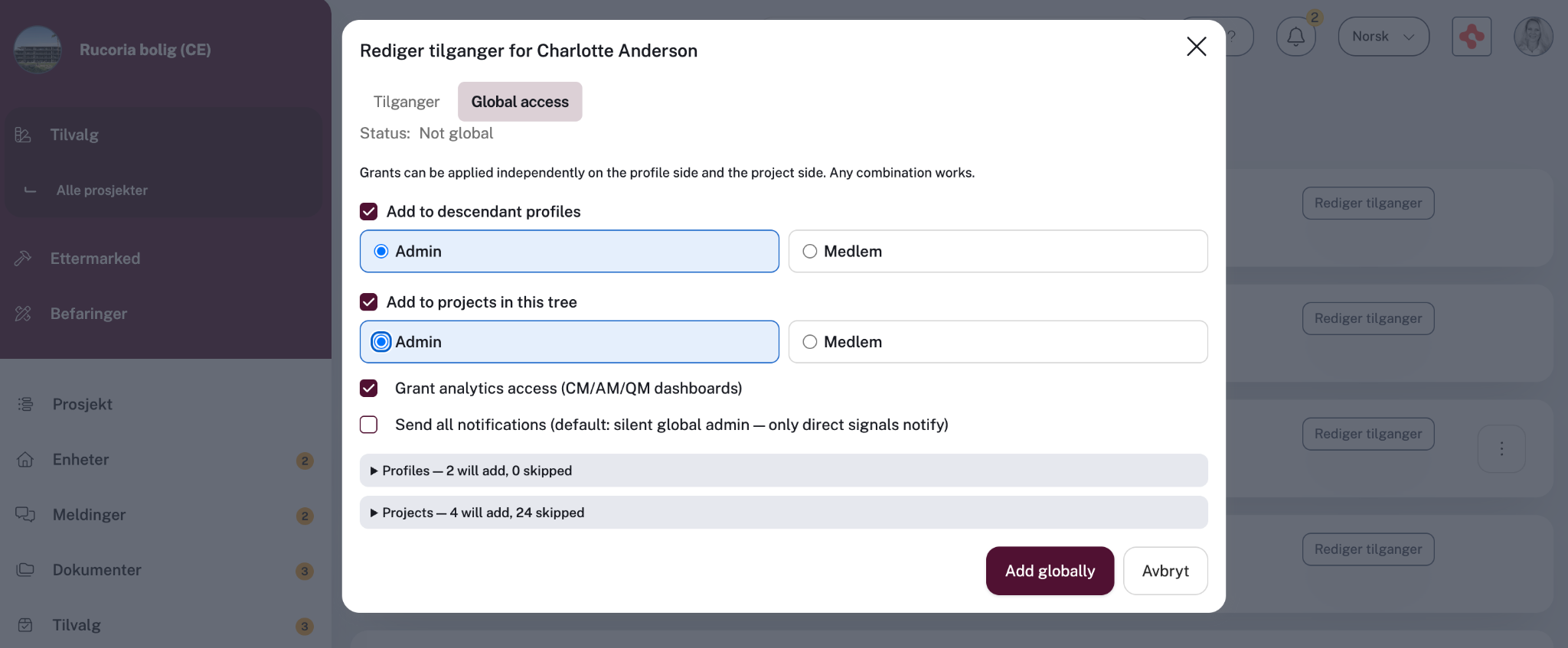
Company profiles now support a clear hierarchy:
- Corporate level: Access to company-wide features such as analytics, surveys, and user management.
- Regional level: Access scoped to the projects and data belonging to a specific region.
- Inherited access: Permissions granted higher in the hierarchy automatically apply to the projects below.
For enterprise customers with multiple regional entities, this creates a complete account overview without having to manage access project by project.
🔧 Also New Since June
The three features above are the headliners, but several other improvements shipped over the summer:
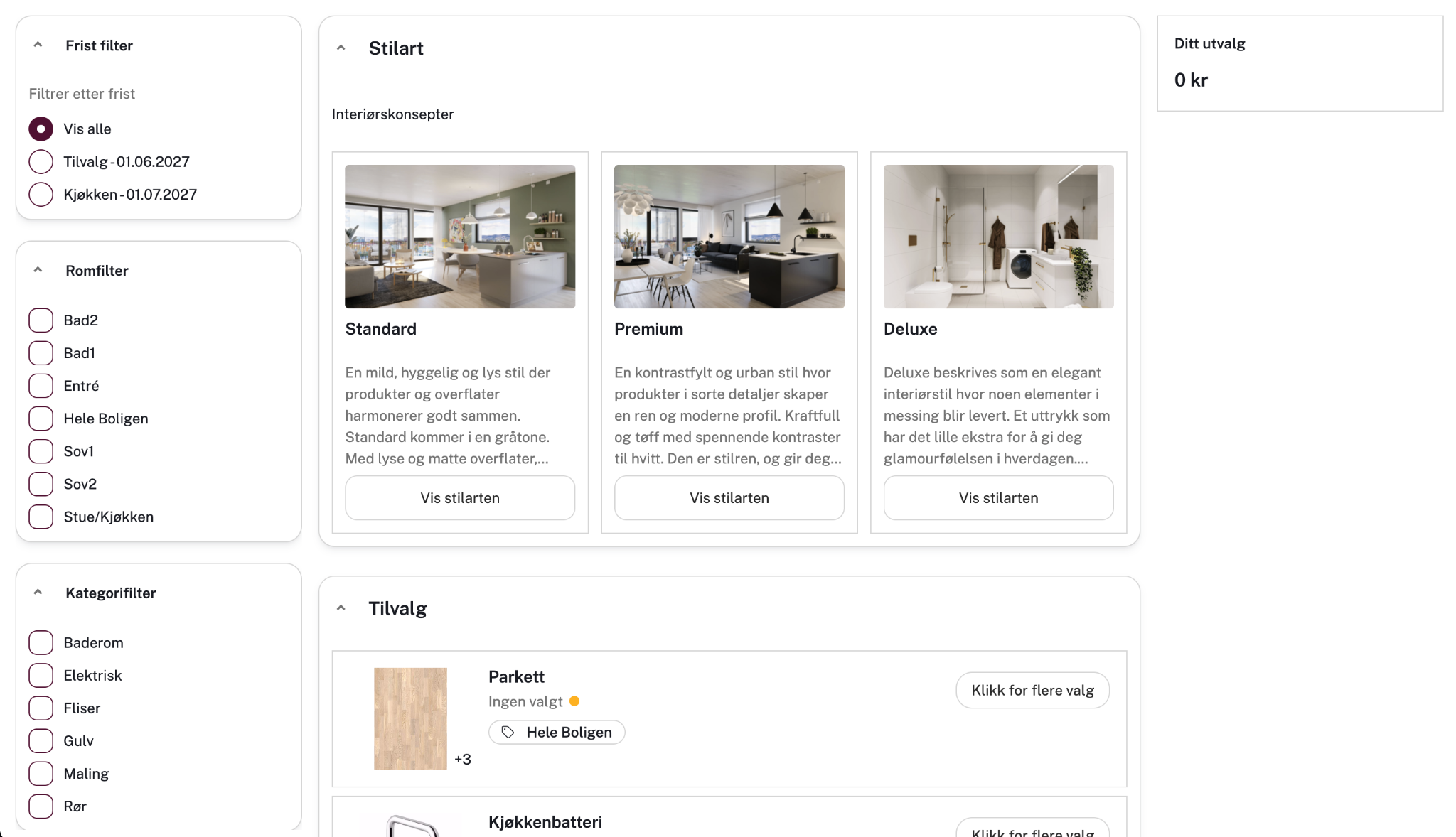
- Rooms as a standalone setting. Admins can now switch a project onto Rucoria's room structure by itself — for faster setup and easier copying between similar units — without adopting the rest of the new options setup (styles, pricing, buyer flow) at the same time. This is a project setup option; it doesn't change anything the homebuyer sees.
- A refreshed Warranty Handling experience. Buyer-facing Warranty Handling pages now share the same modern look and feel as Change Management.
- Case Inbox in “all cases”. Case-related emails can now be viewed across all projects you have access to, with each message clearly linked to its project.
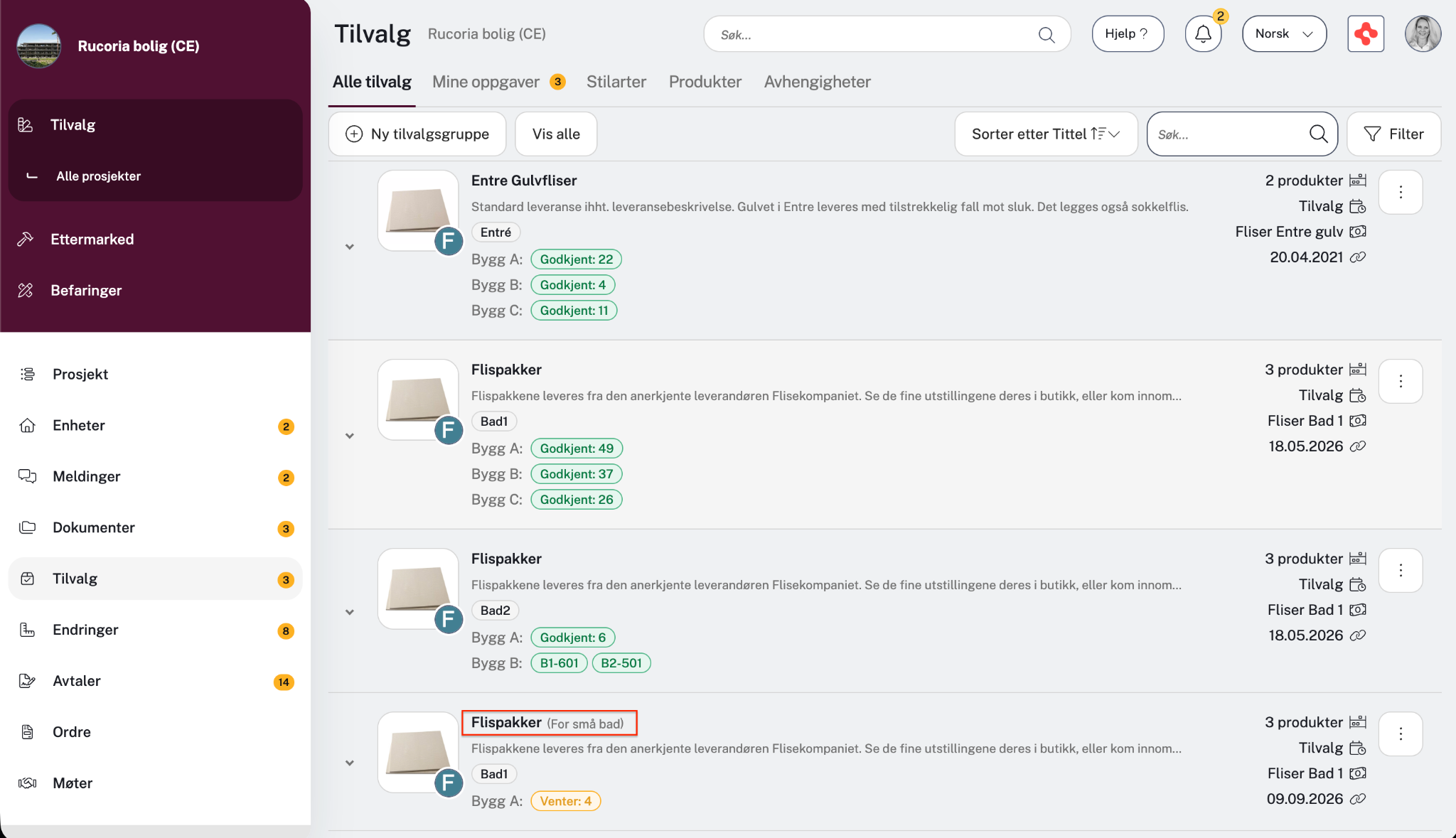
- Internal names for option groups. Admins can give option groups an internal name separate from what buyers see, making complex projects easier to manage.
Showroom, in beta. A shareable, no-login preview of a project’s options page, making it easier to showcase available upgrades without inviting someone as a user.
And the Rest
This release also includes a range of smaller fixes and improvements across Change Management, Quality Management, and Warranty Handling — including improvements to case handling, mobile stability, and export accuracy.
And we’re not stopping here. More is already on the way.
Questions about any of these features, or want a walkthrough? Reach out to your Customer Success contact.
Made with love in rainy Bergen. 🌧️